Sign in



NIC Hardware Offload Technology: Let Server CPU Focus on Business Computing
< BackDuring server performance tuning, network processing is often an easily overlooked bottleneck. When troubleshooting high CPU usage, many administrators tend to focus on applications or databases, rarely realizing that the overhead of processing network packets may consume massive CPU resources quietly. NIC hardware offload technology is designed to solve this problem.
Why Hardware Offload Is Needed
In traditional network architectures, the NIC only sends and receives packets. All protocol stack processing, including TCP segmentation, checksum calculation and packet reassembly, must be completed by the CPU. As network traffic rises, the CPU is frequently interrupted to handle network data, greatly reducing the time available for business computing. This issue is especially prominent in 10G and higher bandwidth environments.
The core idea of hardware offload is to offload network processing tasks originally undertaken by the CPU to NIC hardware. Dedicated processing units integrated inside the NIC complete these tasks with lower latency and higher efficiency. The CPU only needs to hand over data to the NIC and wait for completion notifications.
Common Hardware Offload Features
TSO (TCP Segmentation Offload) is one of the most widespread offload functions. When the server transmits a large file, the TCP stack needs to split data into small packets no larger than the MTU. If the CPU handles segmentation, large file transfers consume substantial computing resources. With TSO enabled, the CPU sends bulk data to the NIC at once, and the NIC hardware handles segmentation, header addition and checksum calculation automatically.
LRO (Large Receive Offload) works as the reverse of TSO. When receiving data, the NIC merges multiple small packets into one large packet before forwarding it to the CPU. This drastically cuts the number of packets the CPU needs to process and reduces interrupt frequency.
RSS (Receive Side Scaling), also known as multi-queue technology, enables the NIC to distribute incoming data streams into separate queues processed by different CPU cores. This parallel mechanism balances CPU resources under heavy traffic and prevents single-core bottlenecks.
Benefits in Practical Deployment
After enabling hardware offload, the most obvious improvement is reduced CPU utilization. Under the same 10G traffic load, a NIC with TSO and LRO activated may consume only one-third or less CPU power compared to the disabled state. For resource-sensitive scenarios such as database servers, file servers and virtualization hosts, it brings faster business response and higher server capacity.
How to Verify Hardware Offload Status
You can check offload status via specific OS commands. For Linux, the ethtool command displays supported offload functions and their activation status. If features are disabled, you can add parameters in the NIC configuration file or enable them temporarily with ethtool. Note that some offload features require joint support from NIC drivers and operating systems. Always refer to vendor technical documents before deployment.
Guangruntong (GRT) Technical Strength
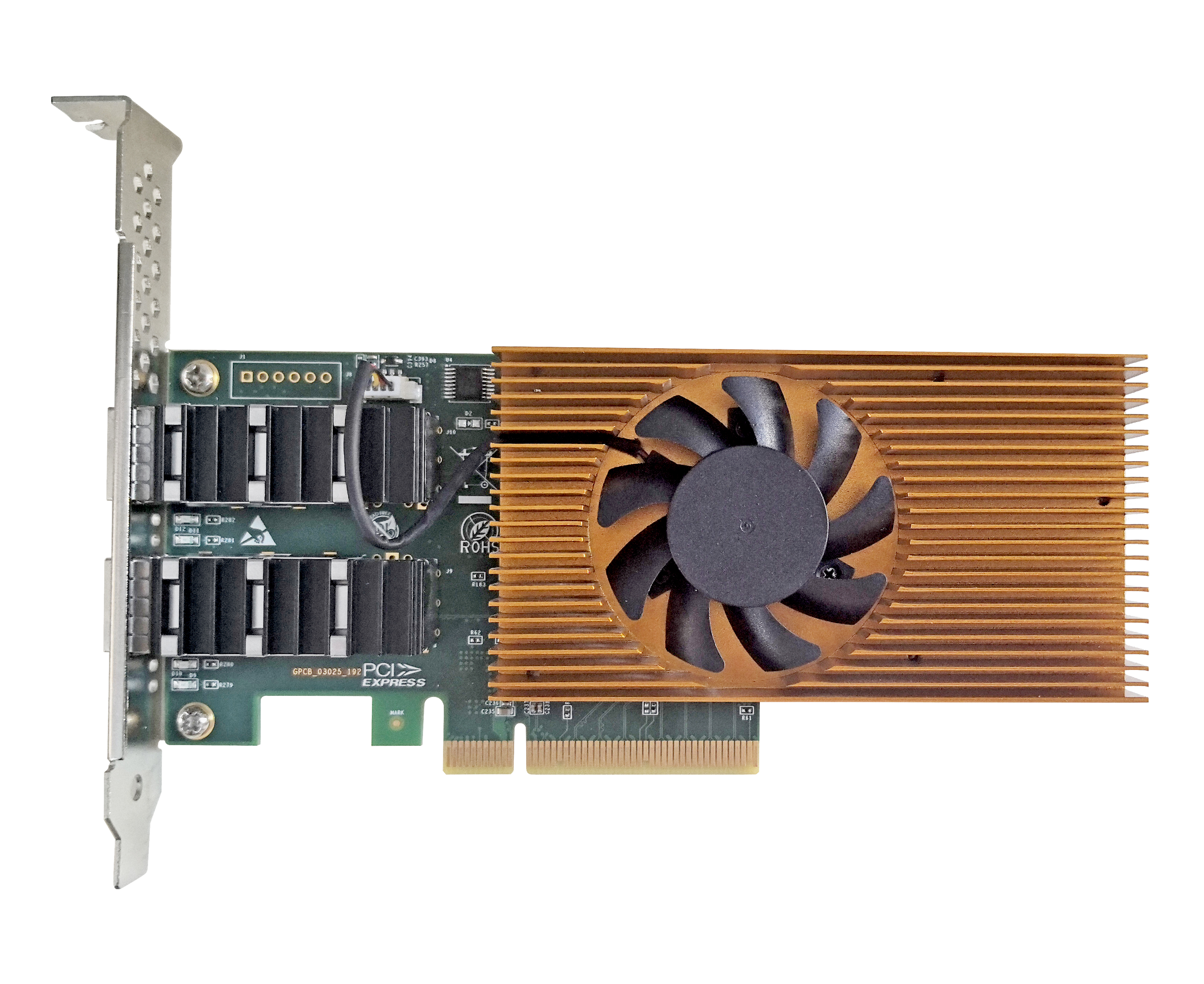
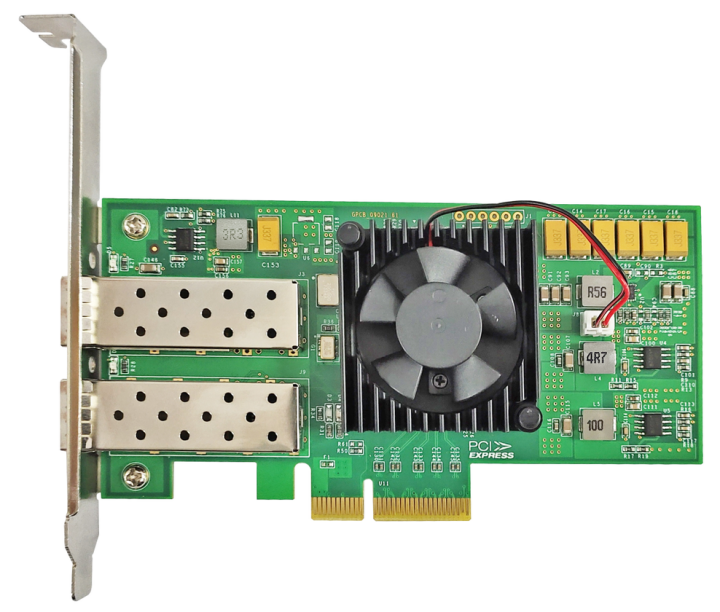
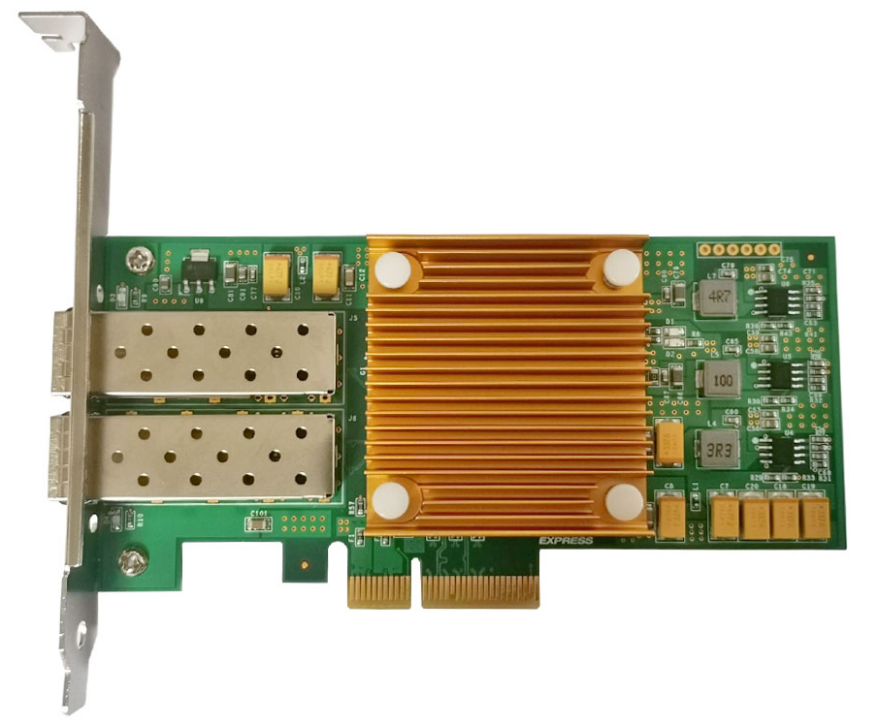
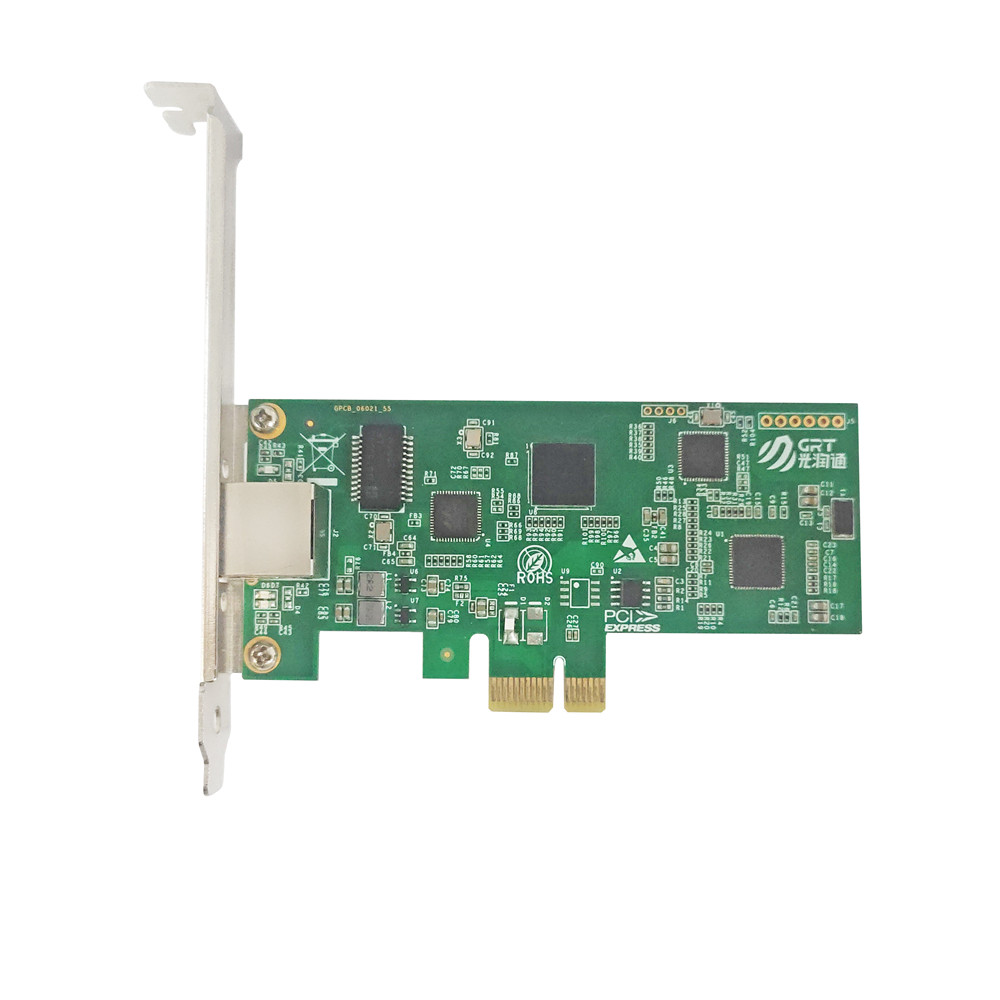
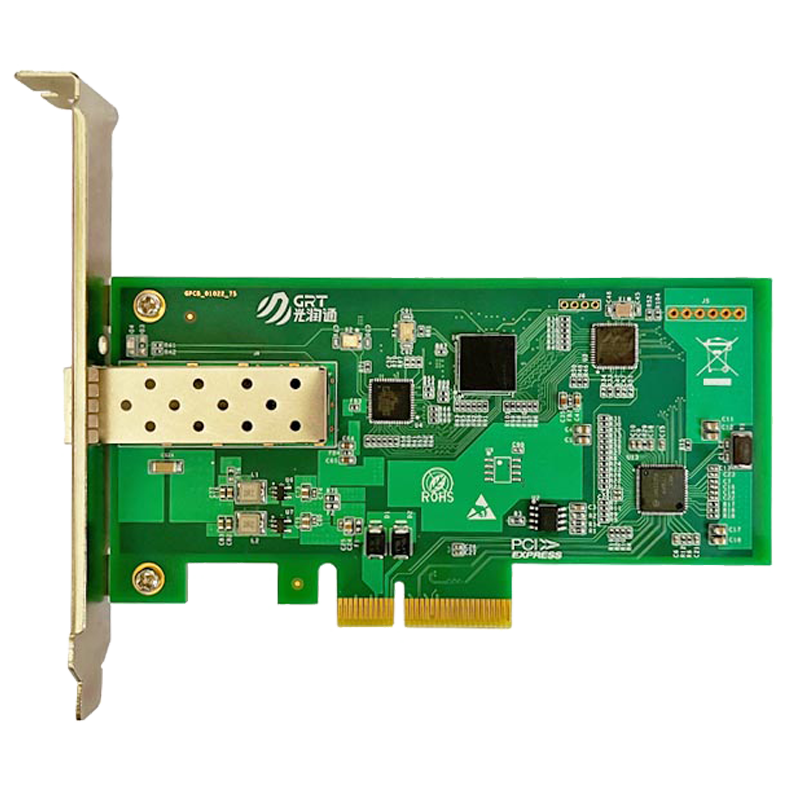
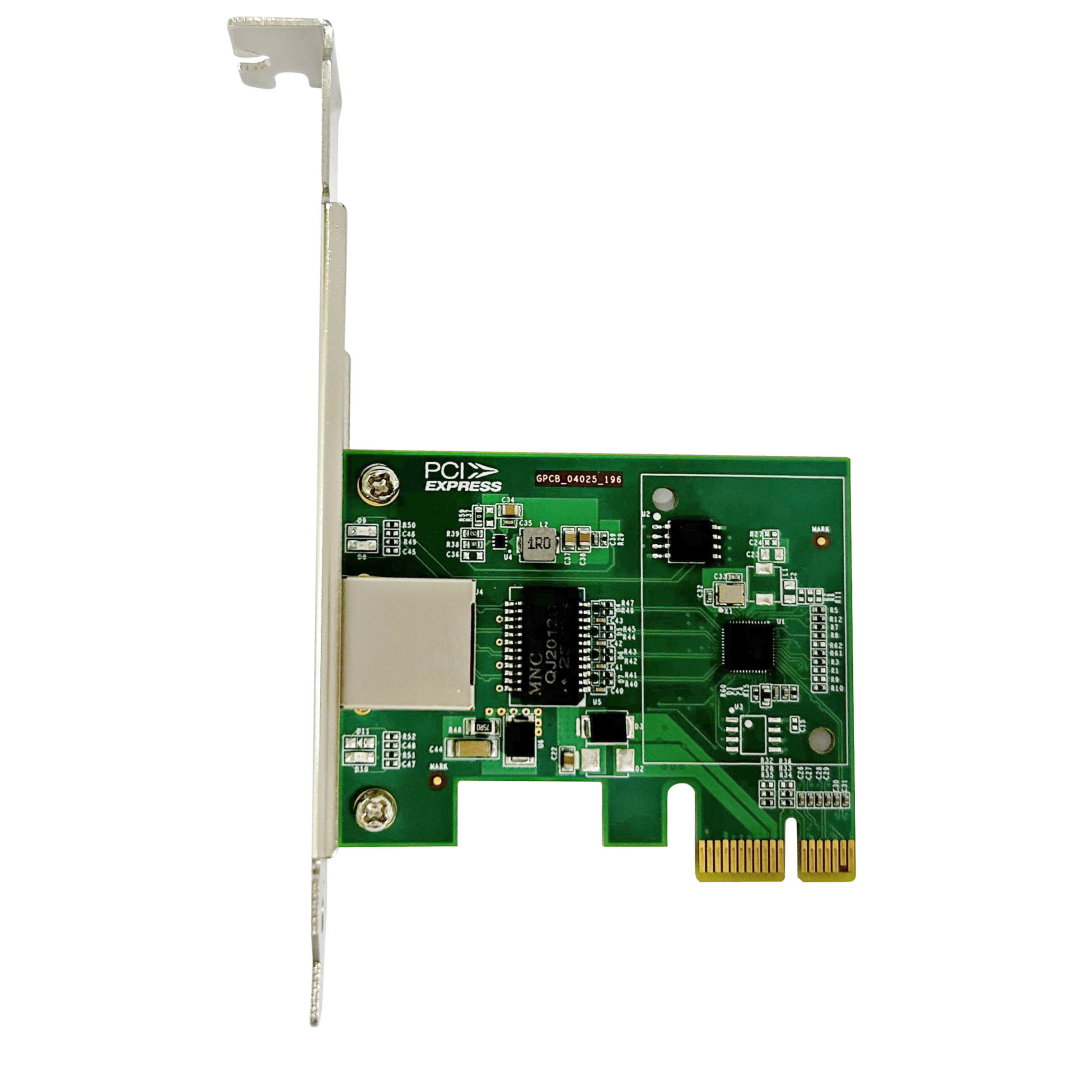
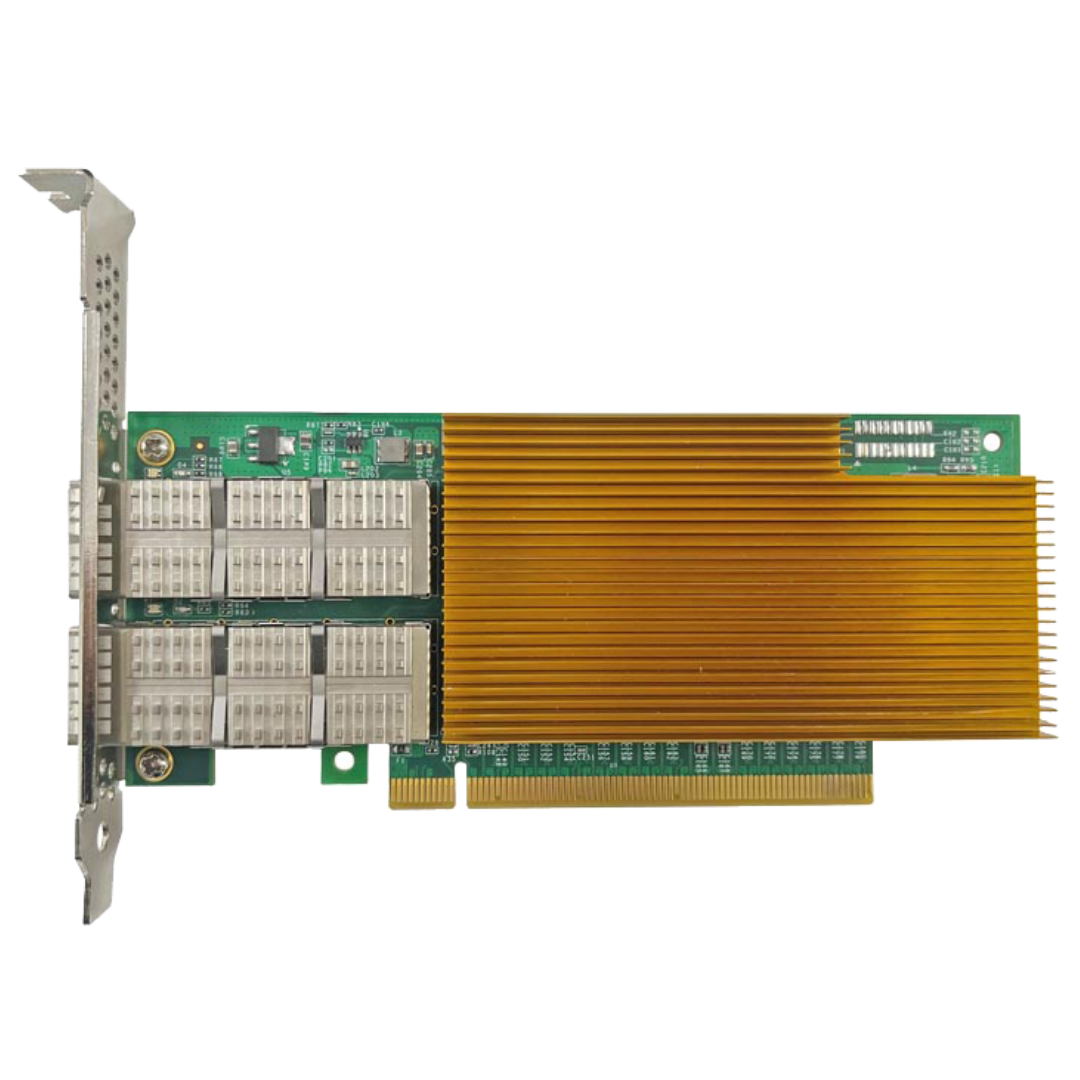
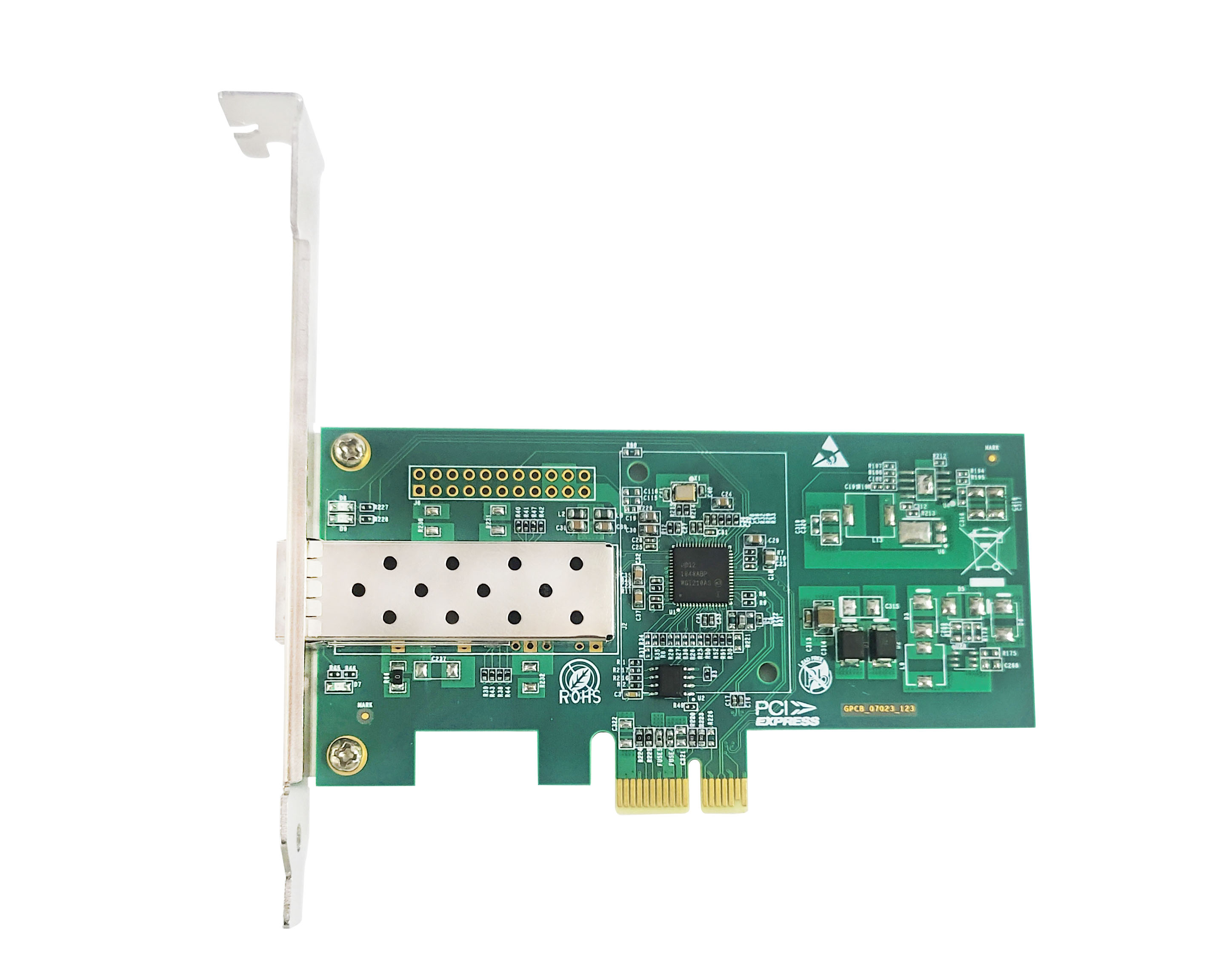
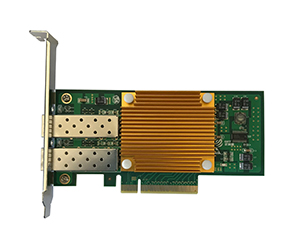
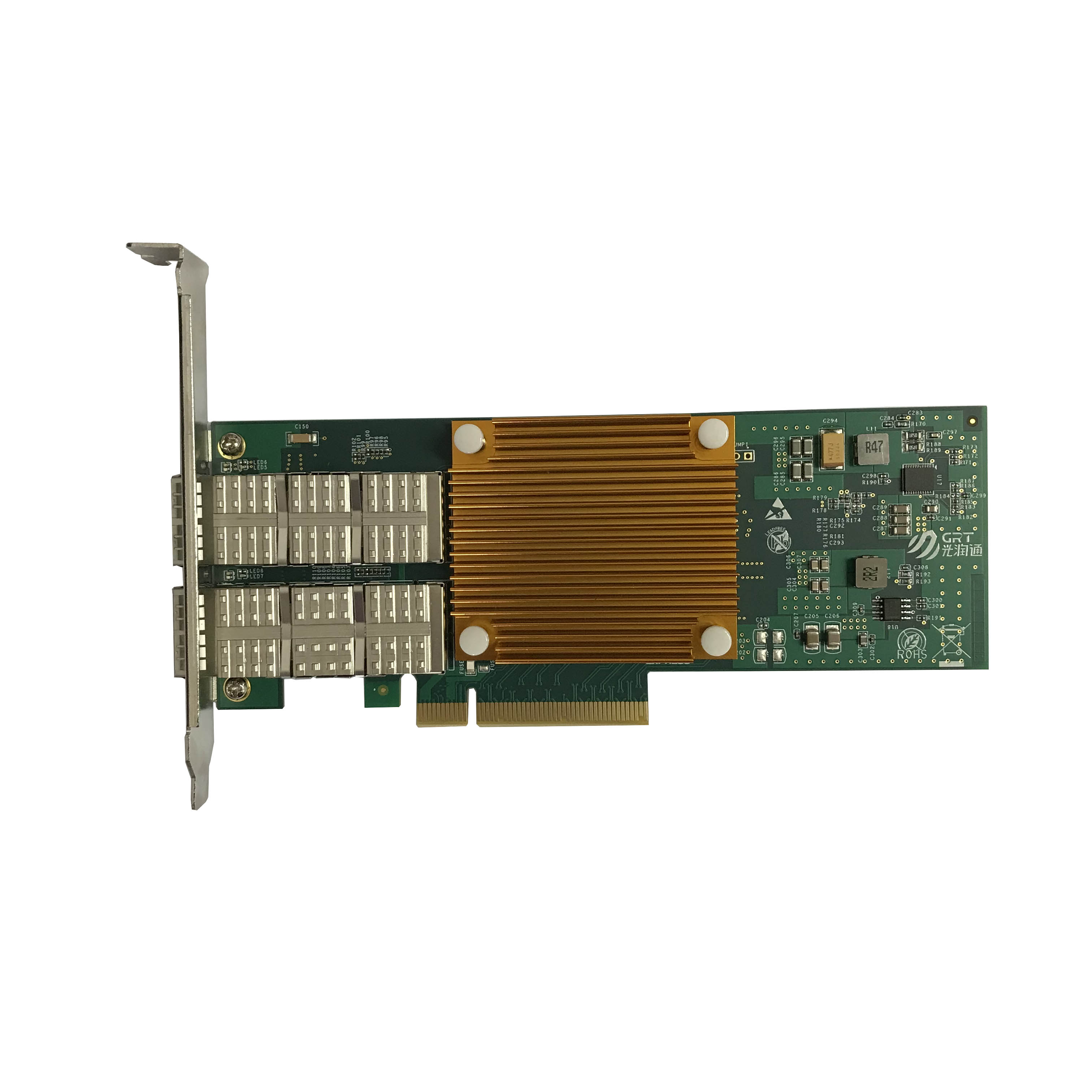
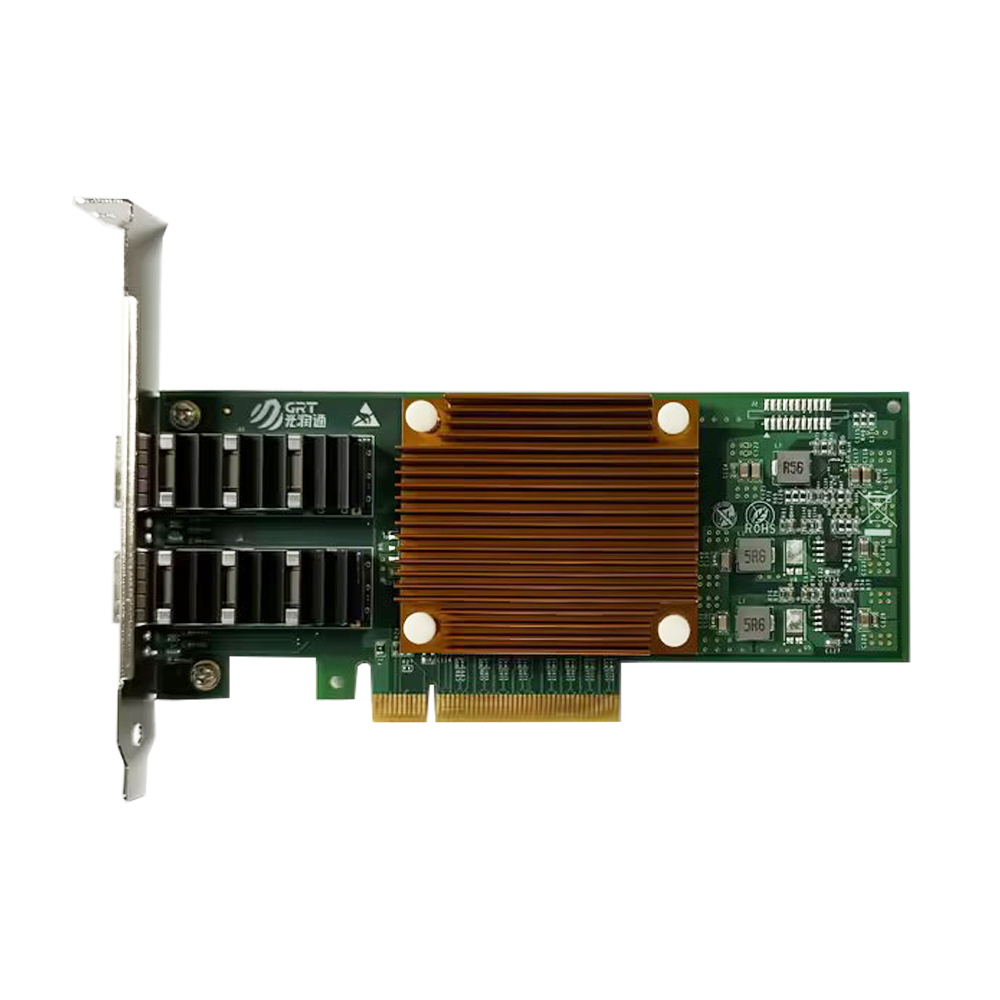
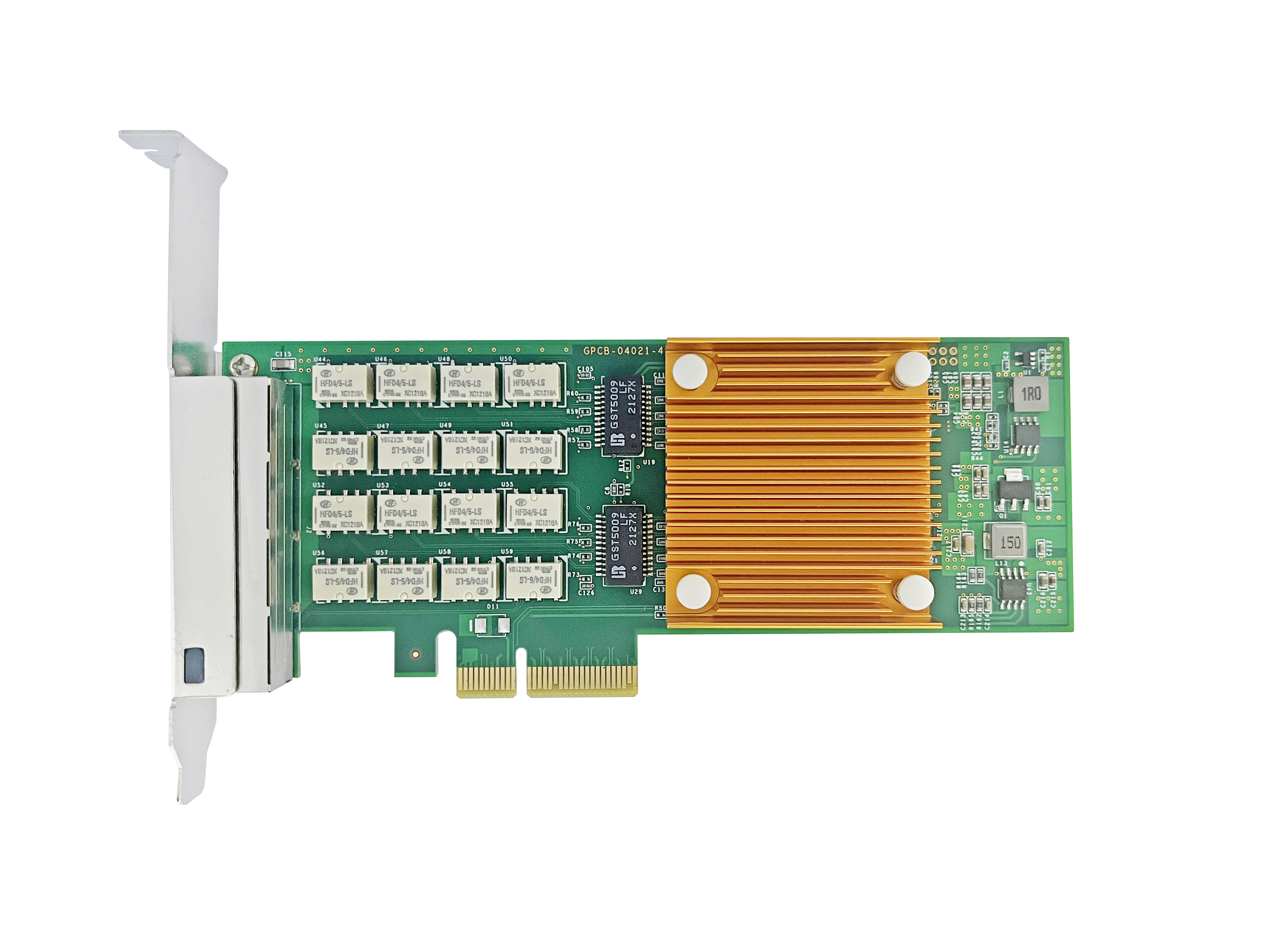
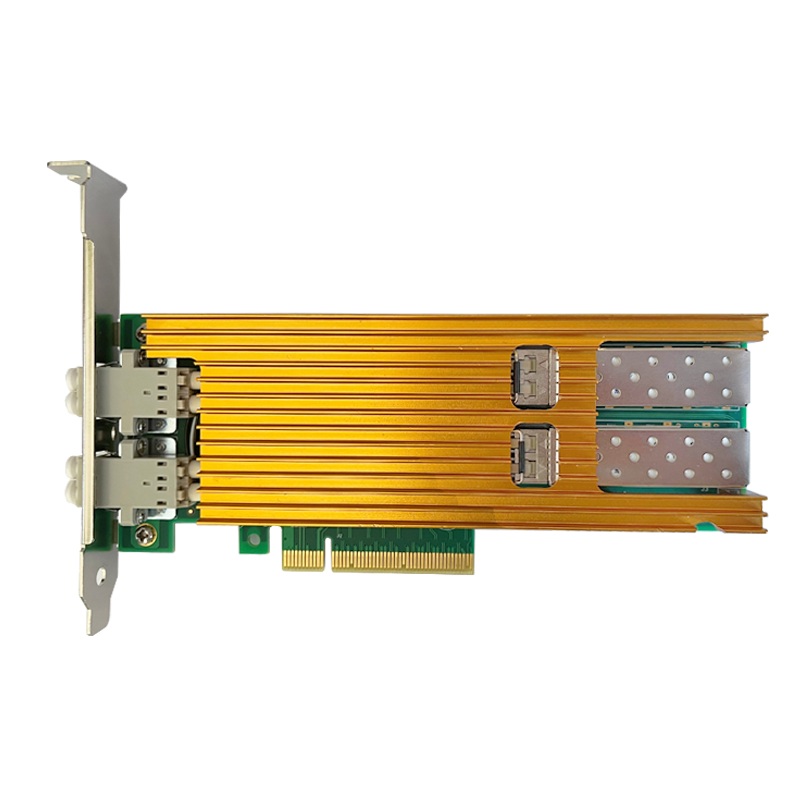
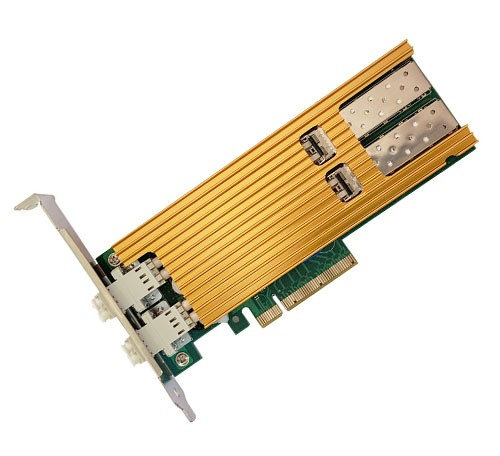
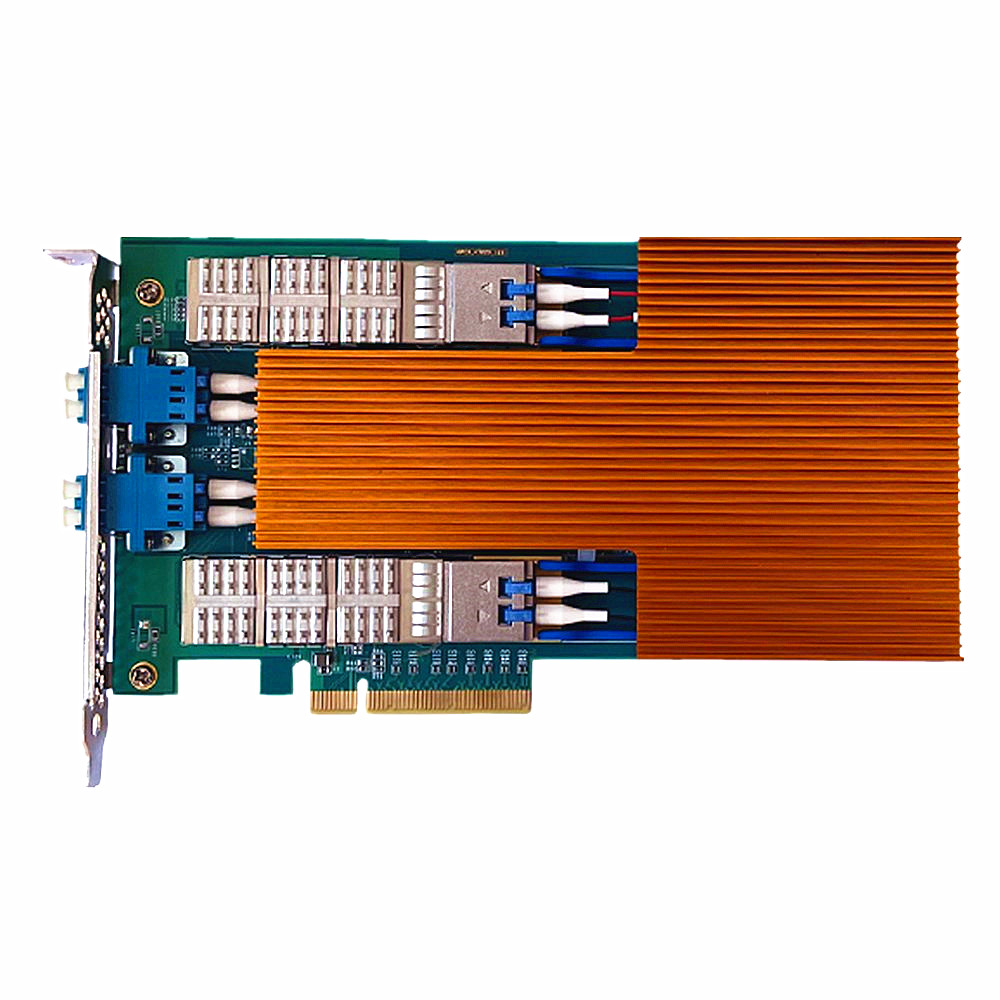
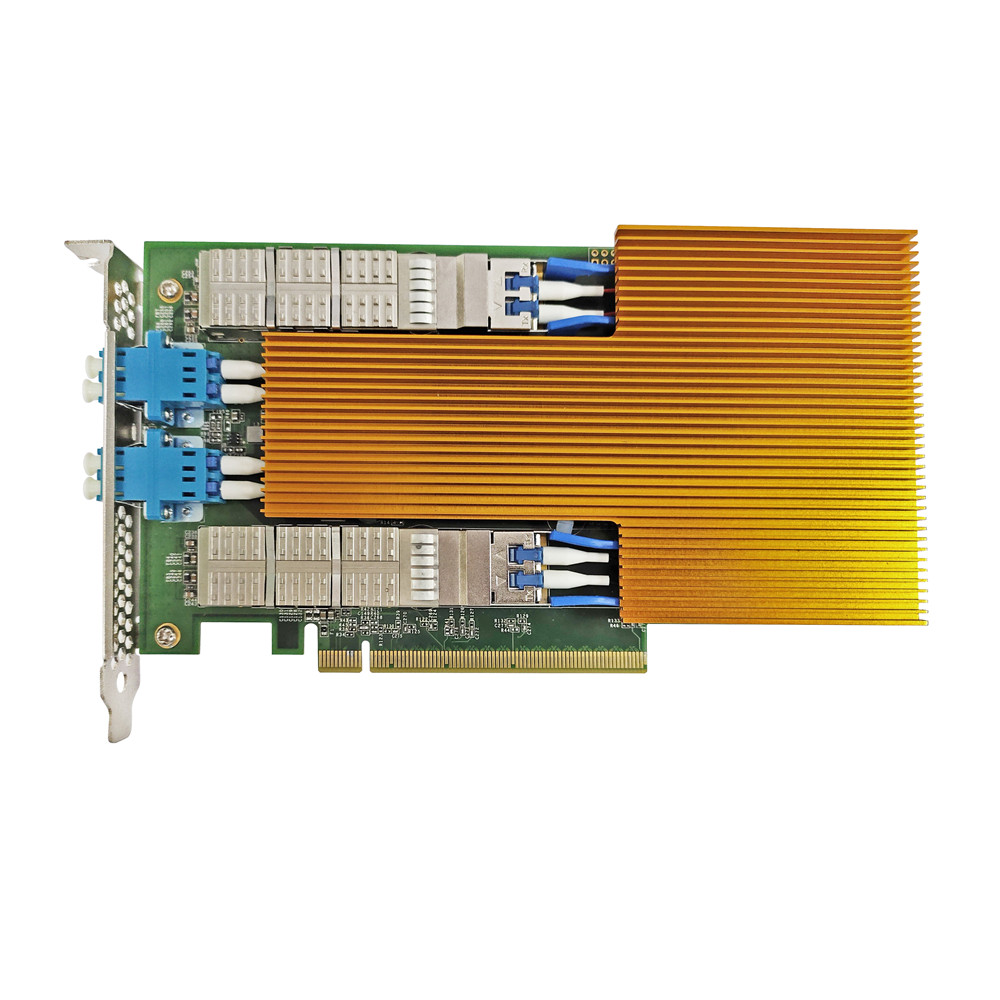
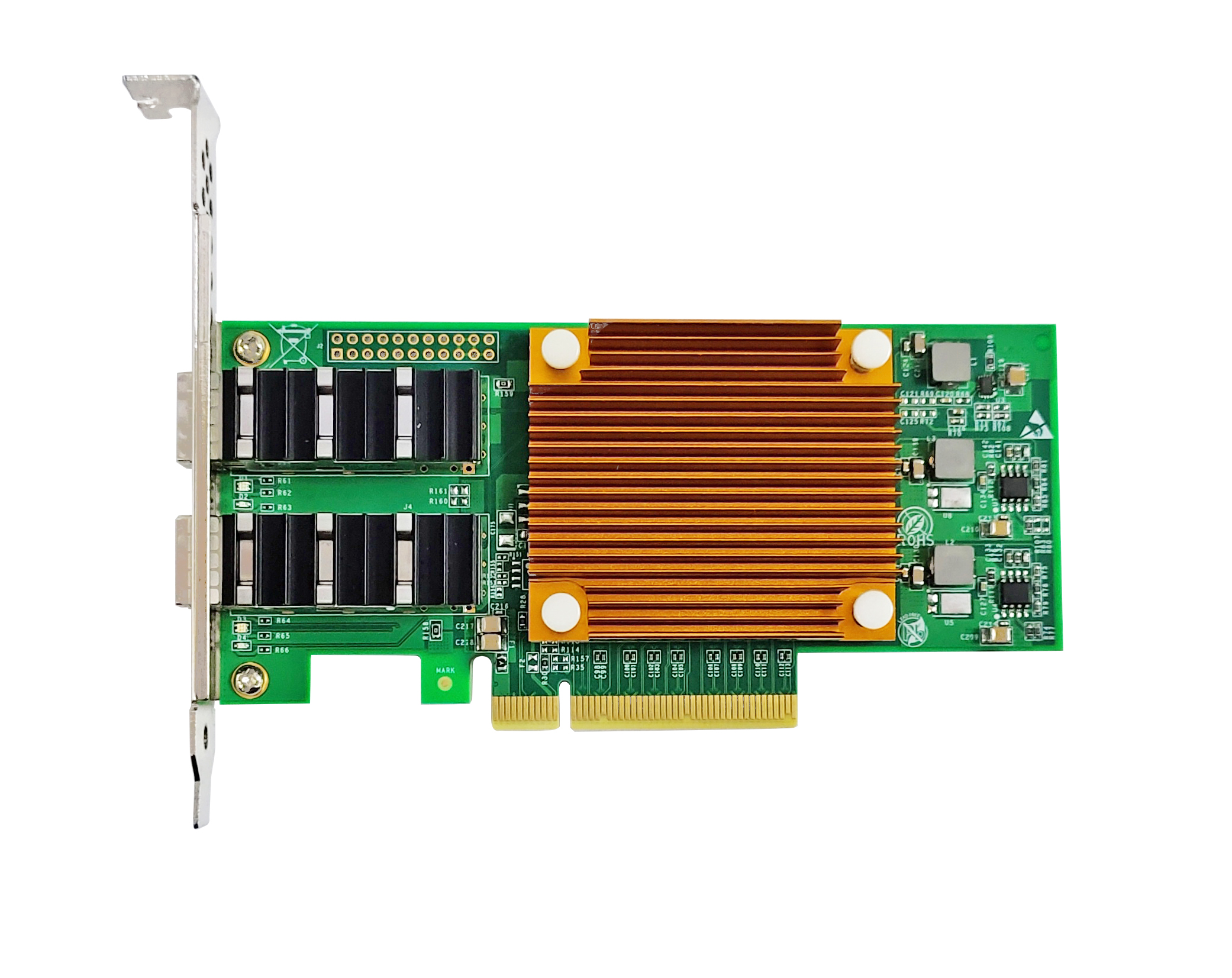
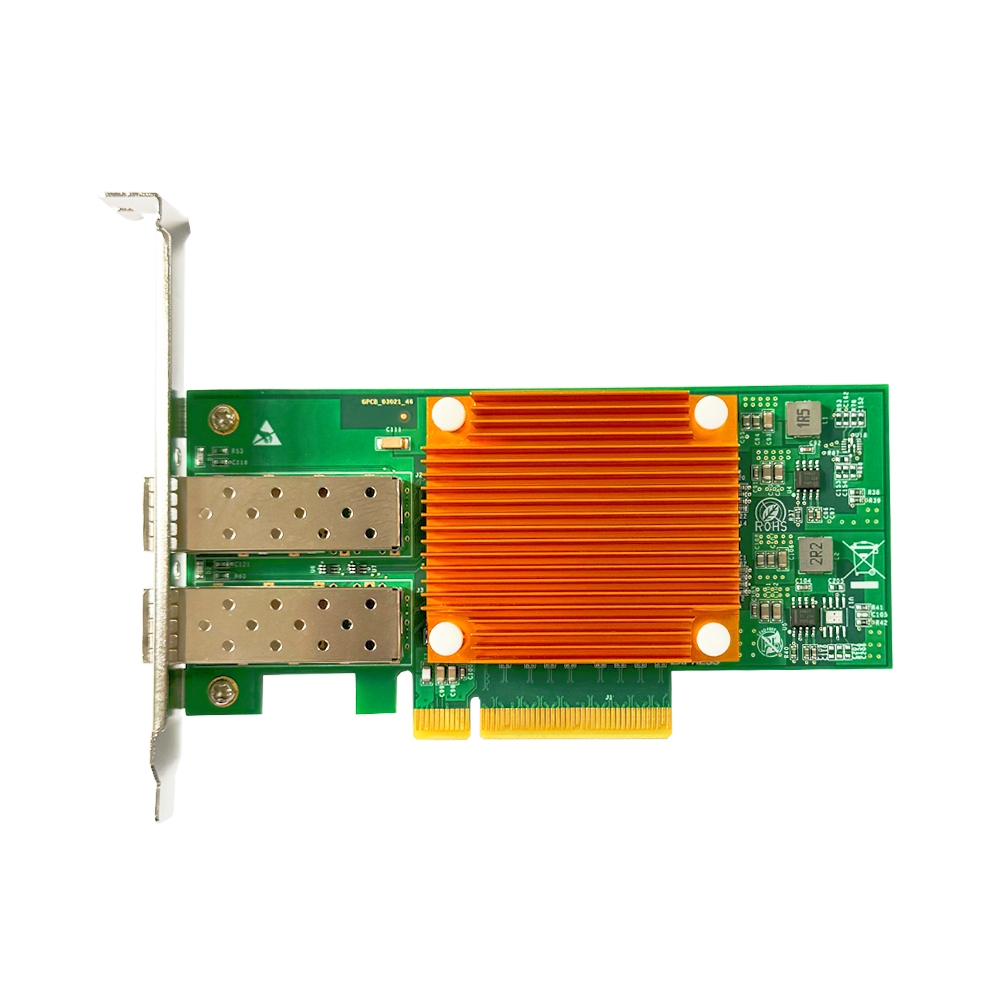
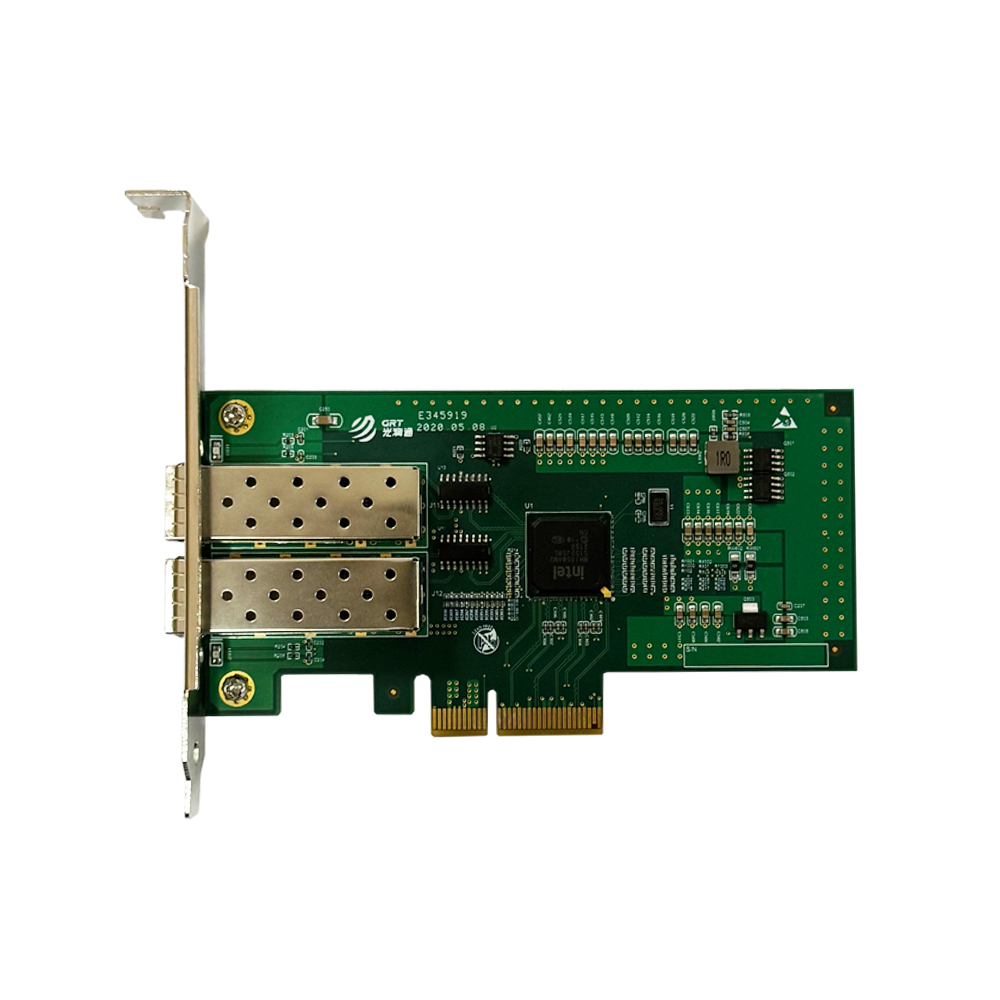
Hardware offload comes as a standard feature for Guangruntong (GRT) network adapters. From 1G to 100G, the full GRT NIC lineup supports mainstream offload functions including TSO, LRO and RSS, with drivers deeply optimized for various operating systems. GRT R&D team has rich experience in low-level driver development to guarantee stable offload performance in real production environments, helping customers fully release server CPU resources and maximize hardware ROI.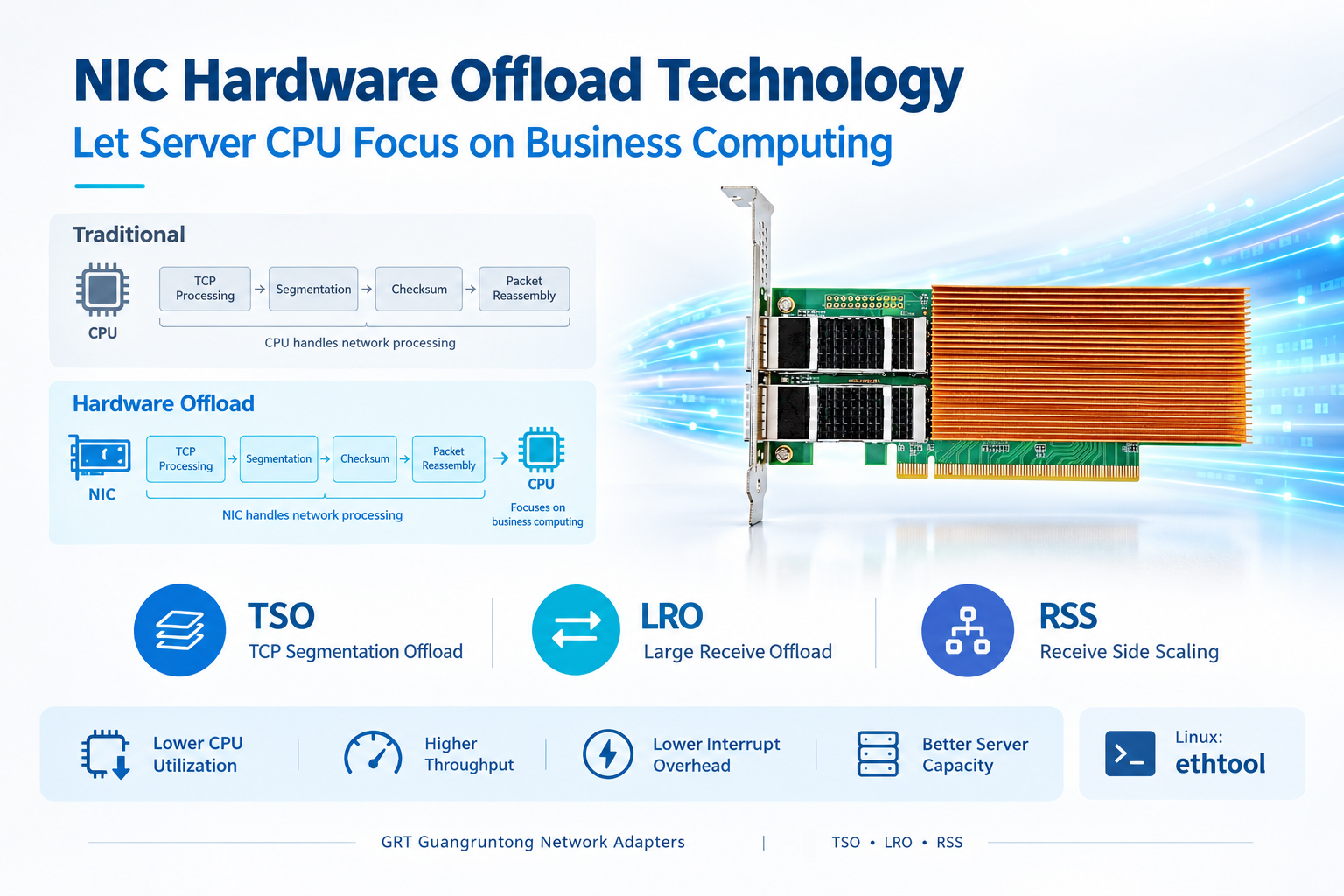
Latest information
- NIC Hardware Offload Technology: Let Server CPU Focus on Business Computing
- Network Card Driver: The Invisible Bridge Between Hardware and Operating System
- Understanding the Partners in Fiber Links: Optical Modules and Optical Fibers
- How to Select NICs for Virtualization Environments to Achieve Performance Isolation and Resource Allocation
- What are FCC, CE and RoHS on Network Cards
- How Bypass NIC Ensures Uninterrupted Network When Server Power Fails
- The Key Role of Bypass Network Cards in Firewalls
- Choosing Between Fiber NIC and Copper NIC: Application Scenarios Determine Interfaces