Sign in



Network Card Driver: The Invisible Bridge Between Hardware and Operating System
< BackIn daily use of fiber network cards, users often focus more on hardware parameters — speed, port quantity, interface type. However, what truly determines whether a network card can deliver stable performance under a specific operating system is usually the driver. The driver is the software layer connecting hardware and operating system. It converts upper-layer network data into instructions executable by the network card hardware. A high-quality driver enables the network card to achieve higher throughput, lower latency and more stable performance under the same hardware conditions.
Core Responsibilities of Drivers: Translation and Scheduling
The OS network protocol stack does not communicate directly with network card hardware; data exchange is completed through standard interfaces provided by the driver. When applications send data, the protocol stack hands packets over to the driver. The driver then places packets into the NIC transmit queue and notifies the hardware to start transmission. For incoming data, the NIC hardware writes data into memory, and the driver retrieves it and delivers it to upper layers.
During this process, the driver handles multiple complex tasks. Interrupt handling is one of them: every time the NIC receives batches of packets, an interrupt is triggered. The driver needs to respond promptly to fetch data, while preventing excessive interrupt frequency from overloading the CPU. Buffer management is another key task: the driver reasonably allocates and reclaims memory buffers to avoid packet loss caused by insufficient buffers under heavy traffic.
Impact of Operating System Differences on Drivers
Different operating systems impose different interface requirements for NIC drivers, meaning the same network card may behave differently across systems. Drivers for Windows Server follow NDIS (Network Driver Interface Specification), while Linux drivers adapt to the kernel net_device framework. Domestic OS such as Kylin and UOS are based on Linux kernels, yet kernel versions carry subtle differences in driver interfaces. Reliable NIC manufacturers invest heavily in driver development and adapt to mainstream operating systems to guarantee driver stability and performance across platforms.
How to Get Guangruntong NIC Drivers
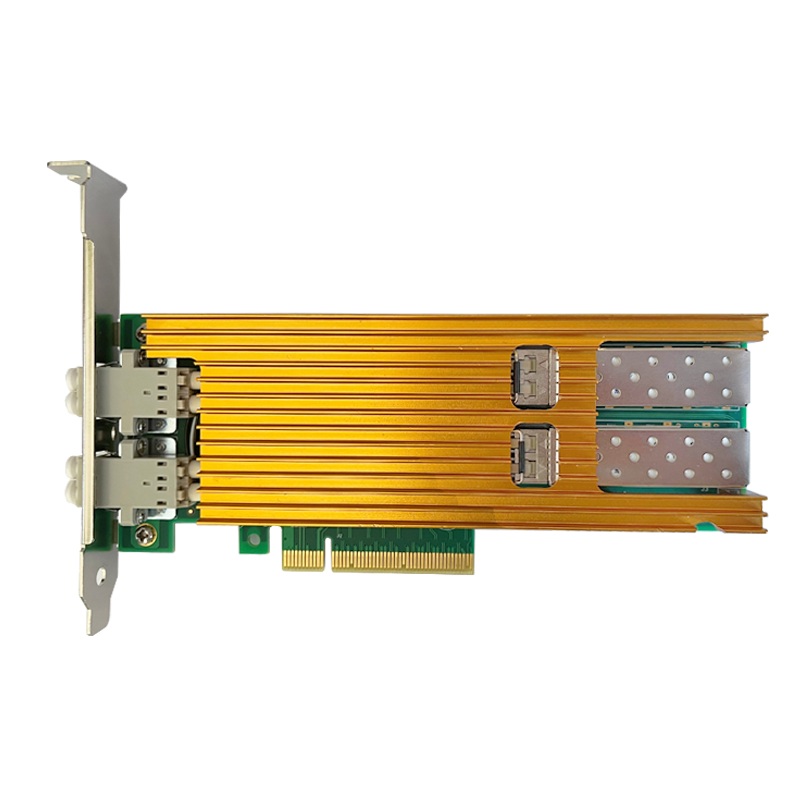
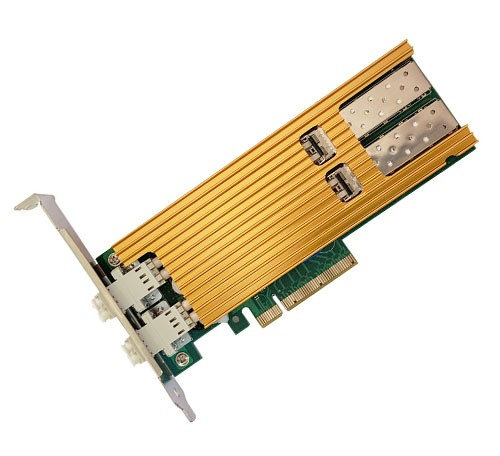
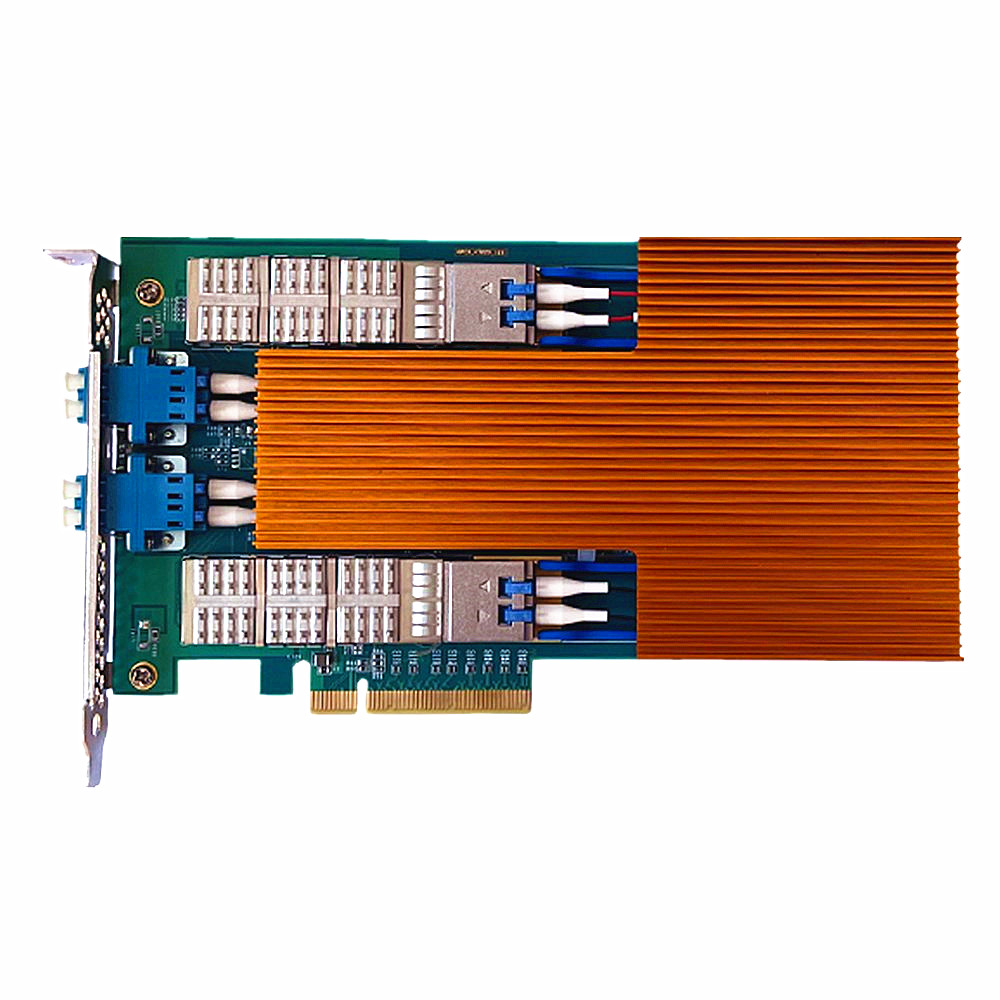
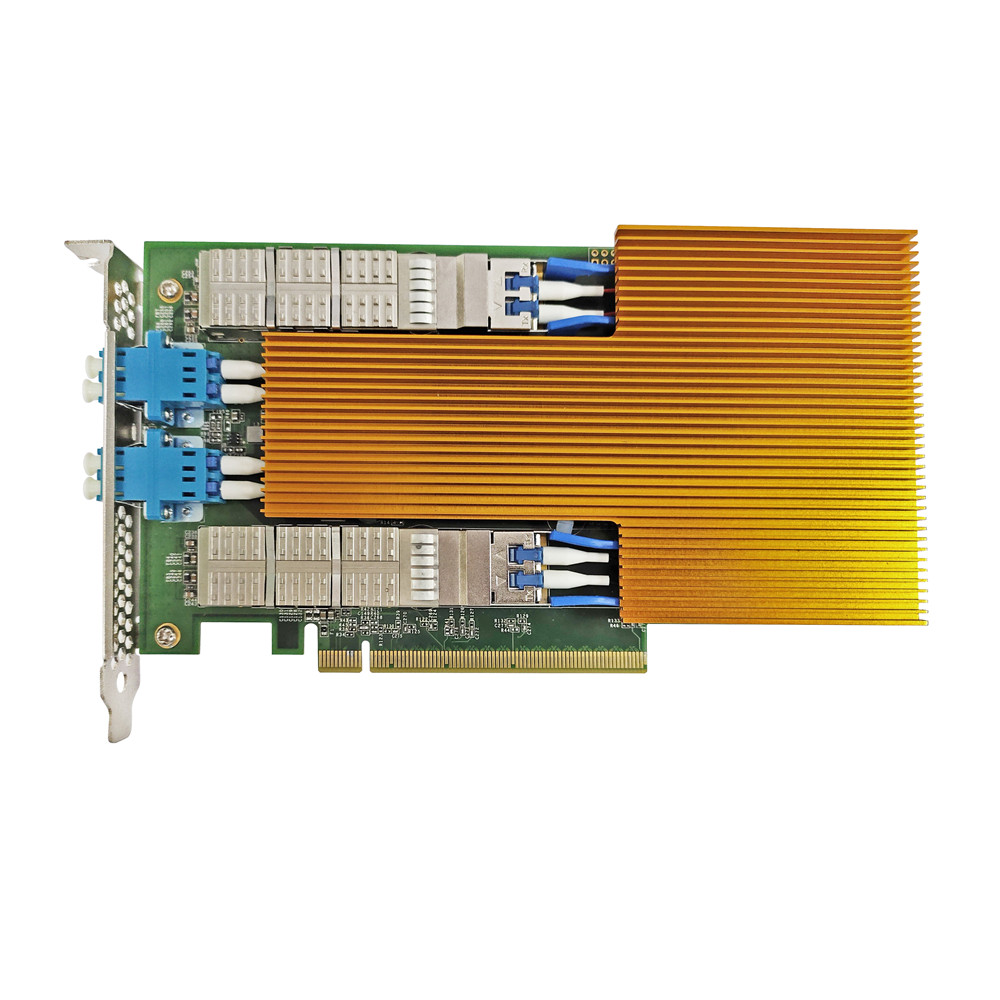
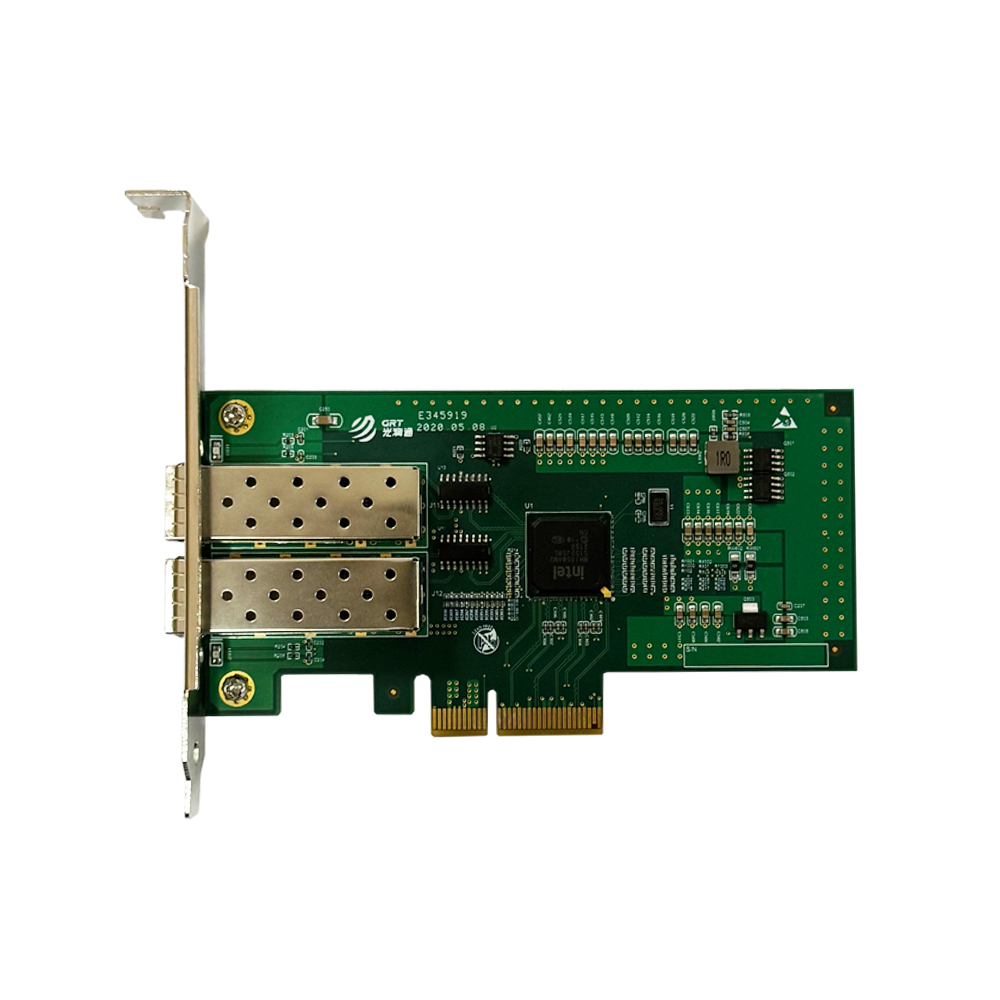
In practice, network cards vary in driver dependency. Take Guangruntong products as an example: most Intel-chip-based NICs have drivers built into mainstream operating systems. After hardware installation, the system can automatically recognize the card without manual driver setup. For NICs adopting self-developed domestic chips, dedicated drivers are generally required to unlock full performance due to unique chip architecture and instruction sets. Users can obtain matching driver versions by contacting Guangruntong technical support. This differentiated driver strategy guarantees plug-and-play experience for general products while reserving room for deep optimization of domestic chips.
Offload Features: Collaboration Between Driver and Hardware
Modern fiber NICs widely support hardware offload features, which must be enabled and configured via drivers. Take TCP segmentation offload as an example: during initialization, the driver negotiates with hardware to confirm feature support and judges which packets can be handed to hardware during transmission. Poorly implemented drivers may disable offload functions or trigger packet processing errors. Drivers must fully verify mainstream offload features including TSO, LRO and RSS to steadily reduce CPU usage once activated. Meanwhile, drivers offer flexible configuration interfaces, allowing users to toggle offload functions based on business scenarios for optimal balance of latency and throughput.
Continuous Driver Iteration
NIC drivers are not a one-time deployment. Driven by OS kernel upgrades, new hardware releases and security vulnerability patches, drivers require continuous iteration. Formal NIC vendors establish driver version management systems and release regular updates to fix bugs and optimize performance. Users can download the latest drivers from official websites or acquire customized versions via technical support. Drivers lay the foundation for stable NIC operation. Choosing a network card means not only selecting hardware, but also the underlying driver R&D capability and long-term maintenance commitment.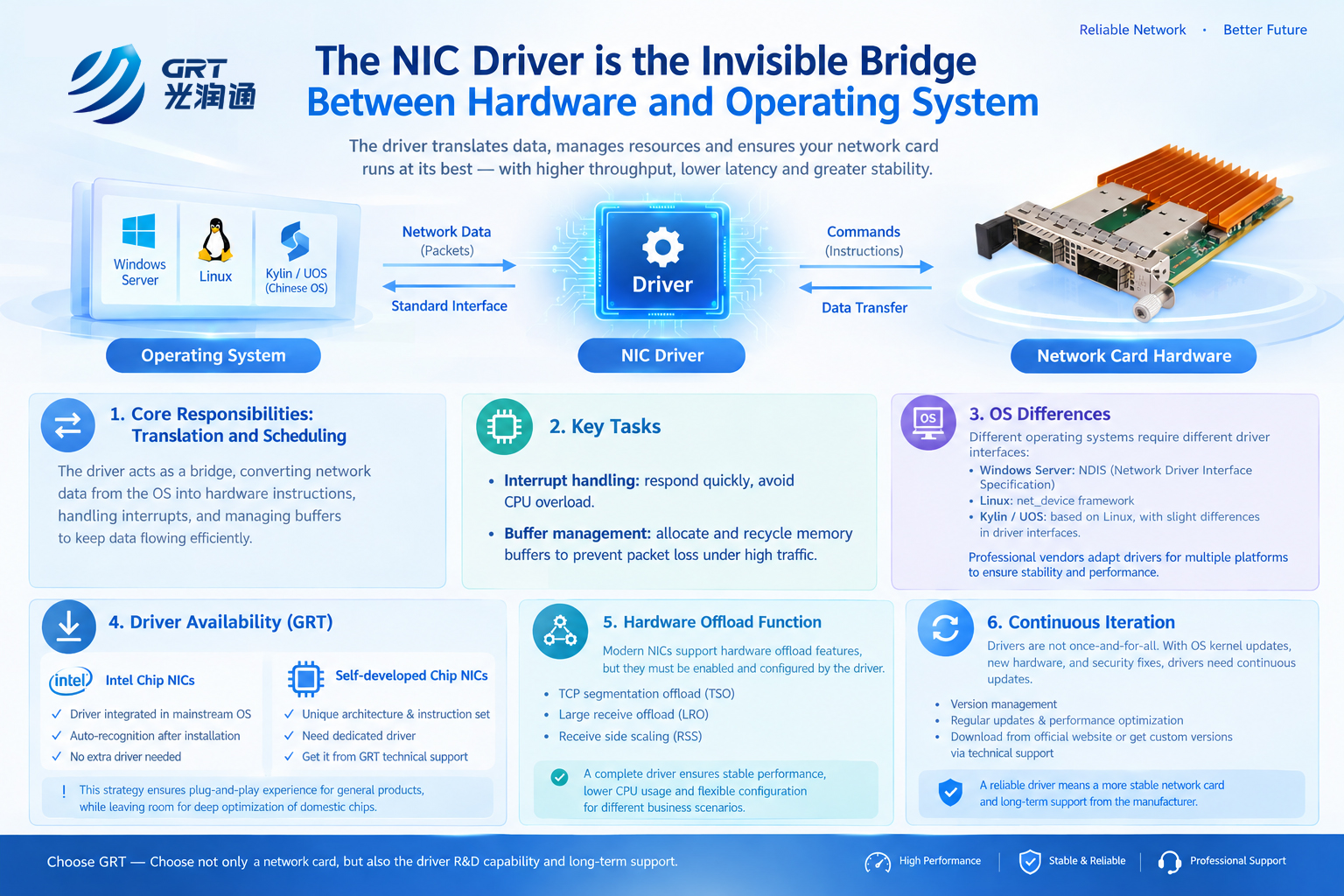
Latest information
- Network Card Driver: The Invisible Bridge Between Hardware and Operating System
- Understanding the Partners in Fiber Links: Optical Modules and Optical Fibers
- How to Select NICs for Virtualization Environments to Achieve Performance Isolation and Resource Allocation
- What are FCC, CE and RoHS on Network Cards
- How Bypass NIC Ensures Uninterrupted Network When Server Power Fails
- The Key Role of Bypass Network Cards in Firewalls
- Choosing Between Fiber NIC and Copper NIC: Application Scenarios Determine Interfaces
- Ambassador Chang Hua of the People’s Republic of China to Saudi Arabia Visits GRT Booth at LEAP 2026